


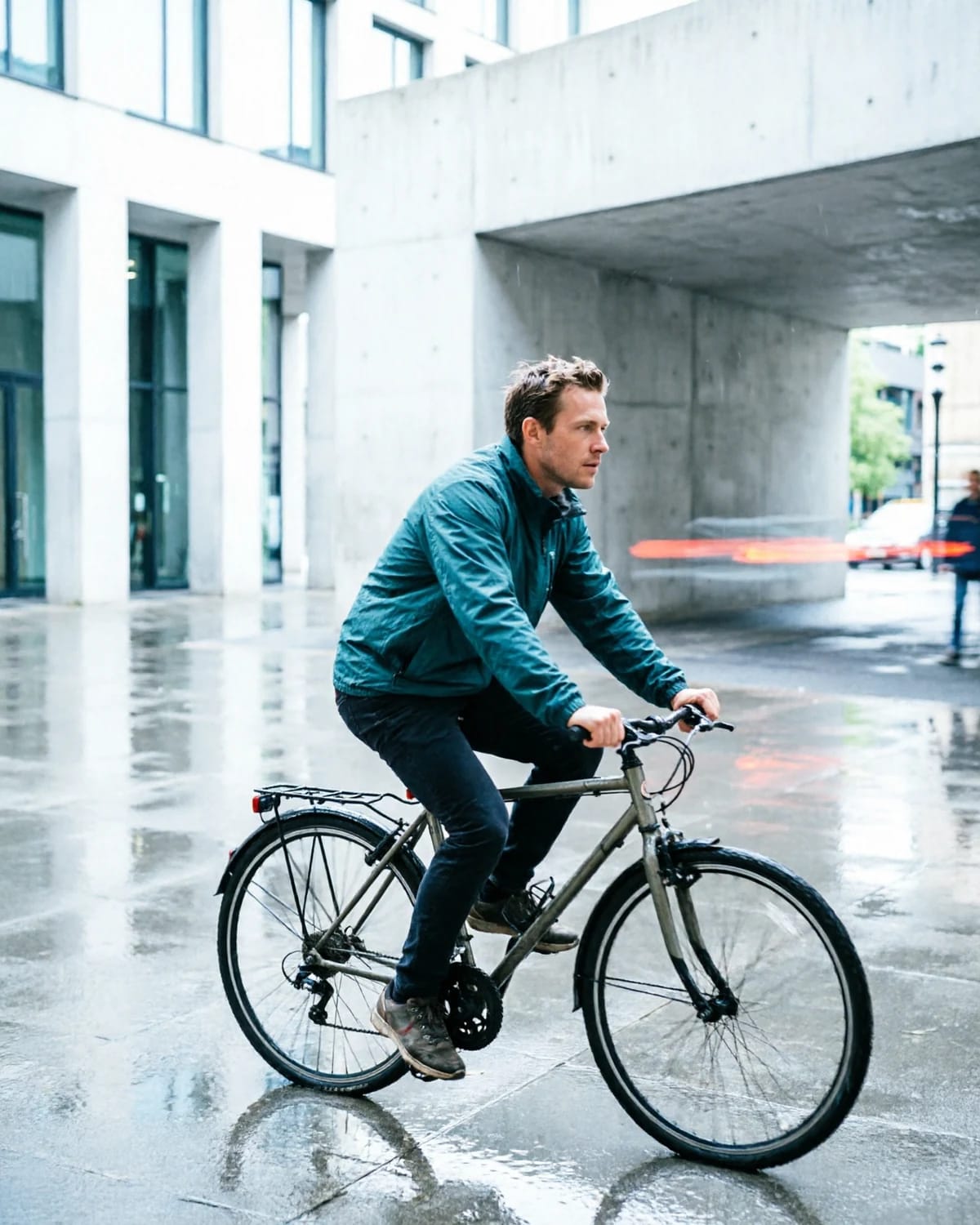
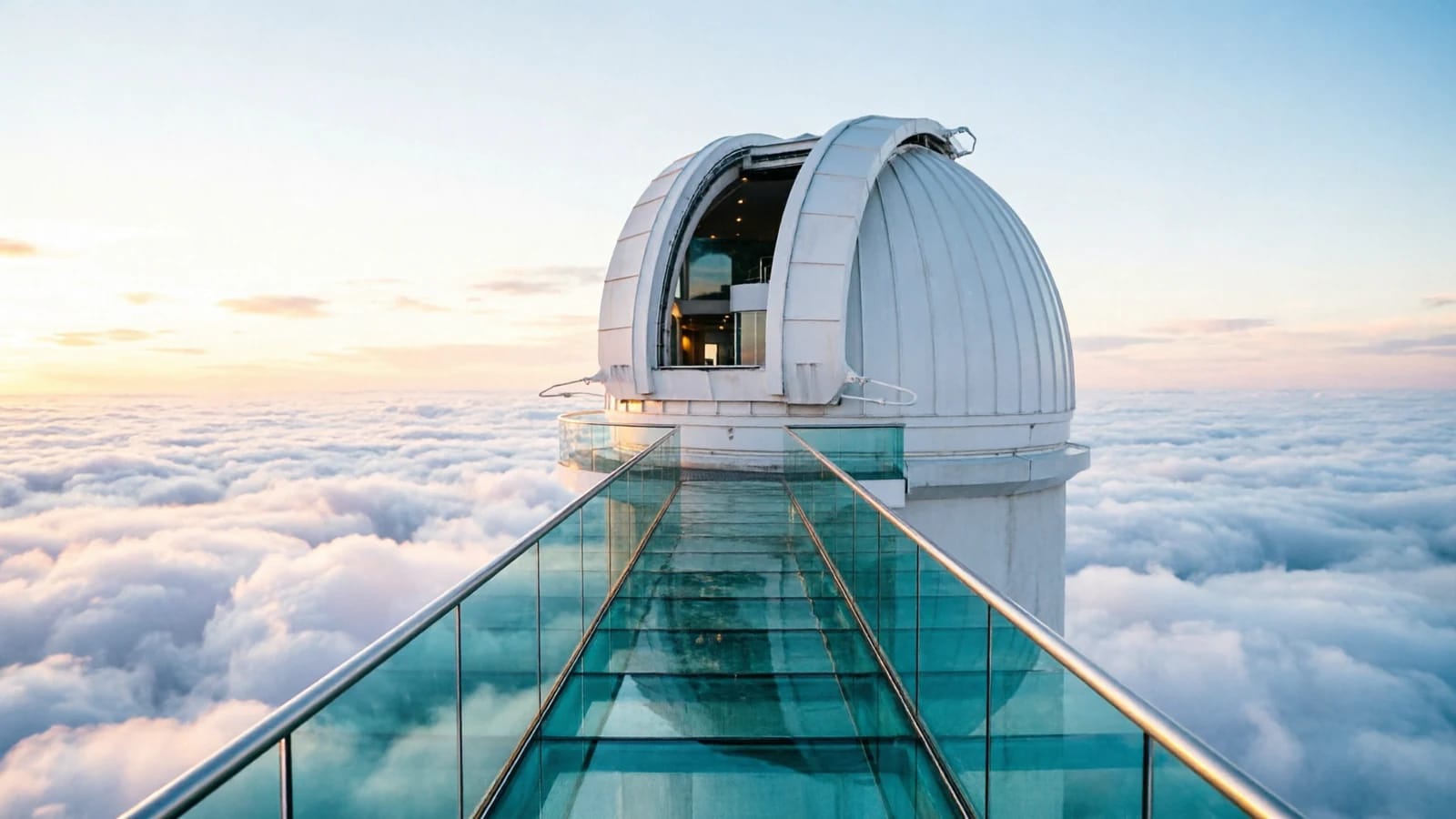
Start with words
Describe it, then watch it
Write a prompt and generate a video clip or a still image. Aspect ratio, duration, and model options are set before you run.
AI image & video creation platform
Turn a prompt, photo, or clip into production-ready creative. Compare leading image and video models side by side, without rebuilding your workflow.
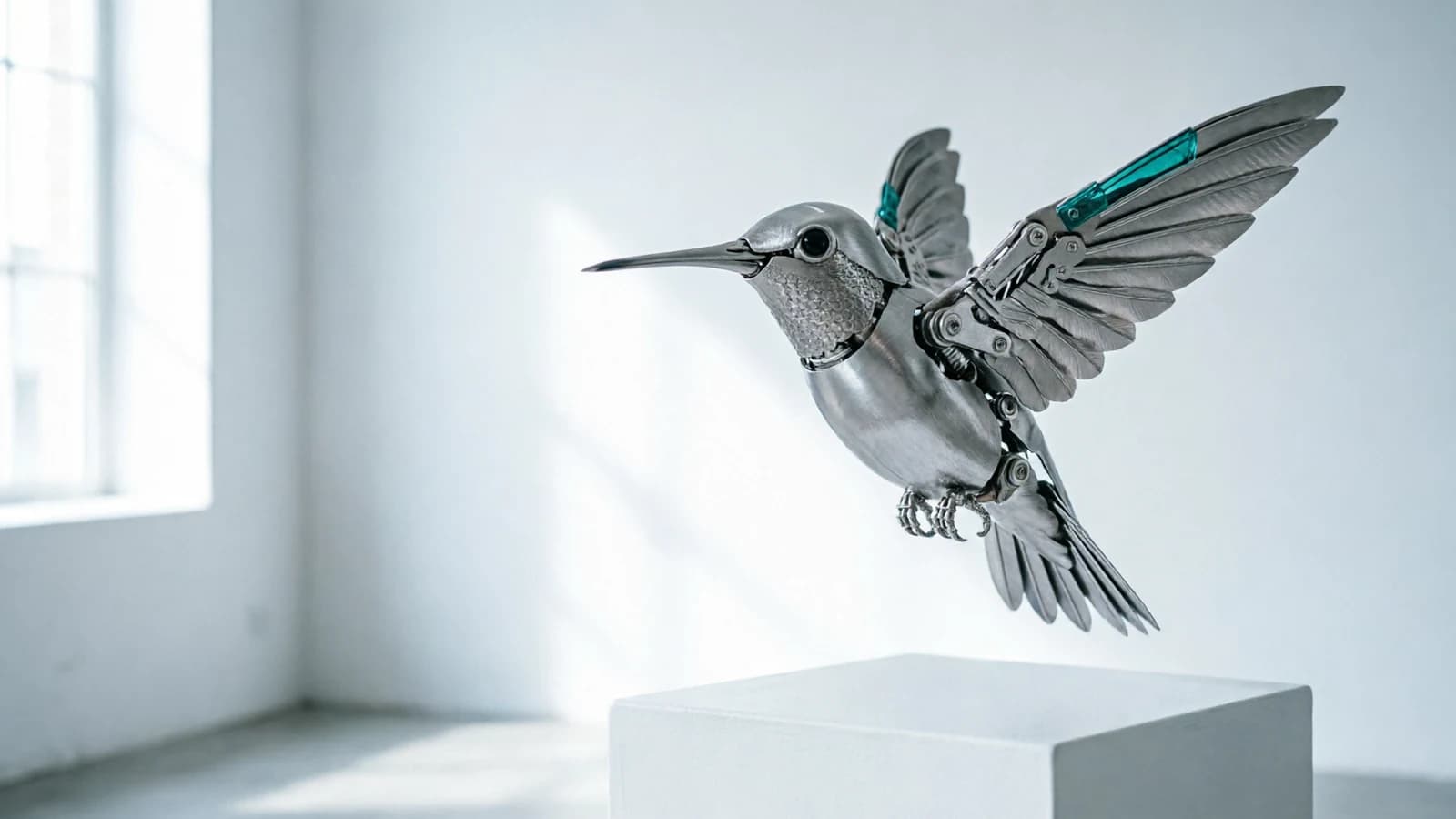
Switch between leading video and image models inside the same workspace — no new account, no new pipeline.
Bring words, a still image, or existing footage — each one has a dedicated path through the workspace.
Start with words
Write a prompt and generate a video clip or a still image. Aspect ratio, duration, and model options are set before you run.
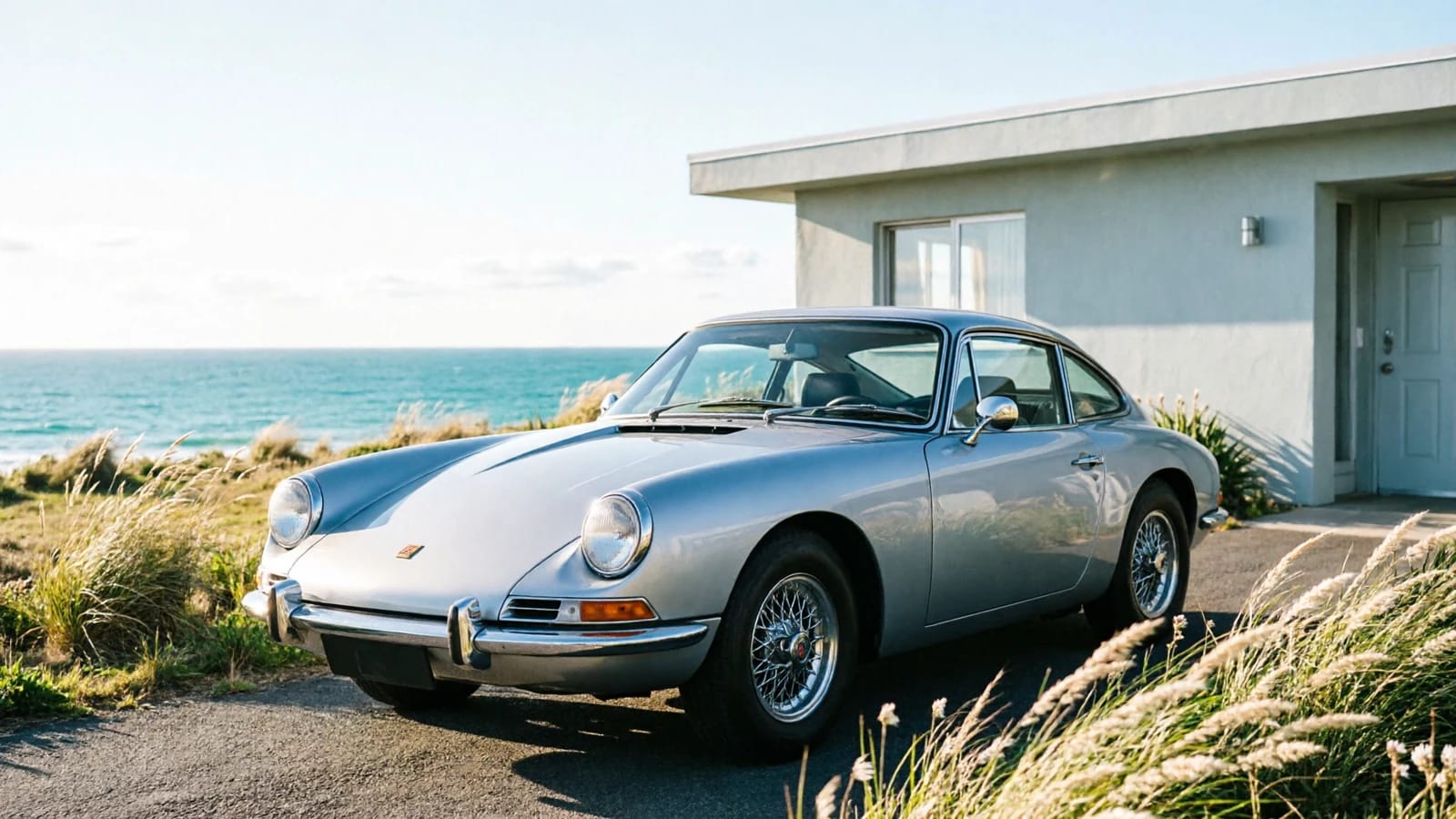
Start with a still
Upload a photo or an AI still: animate it into a clip, transform it into a new image, or turn a portrait into an avatar.
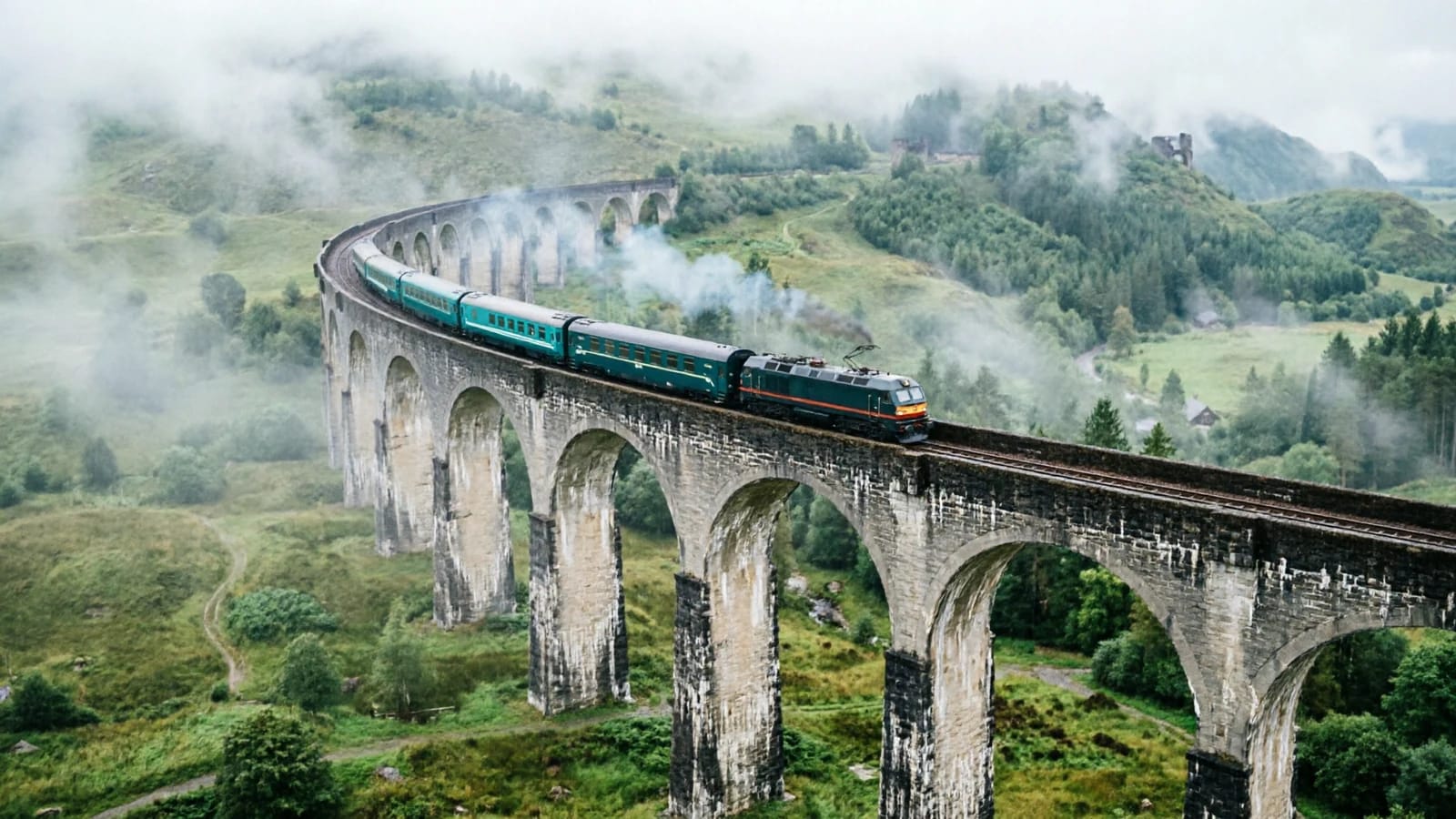
Start with footage
Bring an existing clip: transform it with a prompt, drive a character with a motion reference, or upscale the resolution for delivery.
Four ways in, one shared workspace. Pick the path that matches what you have today.
Upload a photo or AI still and turn it into a moving shot, with motion, camera, and duration controls.
Animate a photoDescribe the scene and generate a video clip from a prompt, with model, aspect, and duration options.
Generate a videoCreate stills from a prompt — campaign visuals, concept art, and product shots.
Generate an imageDescribe the result you want and let the agent pick the workflow, models, and settings for you.
Brief the agentNine focused workspaces, one account, one creation history. Open the one that matches your task.
Common creative goals and the workspaces that get you there. Pick a goal, open a workspace, and start a new generation.
Generate product shots from a prompt, then animate the strongest stills into short motion spots.
Explore an idea as moving images — prompt a scene directly, or animate a keyframe still.
Create a stylized avatar from a photo, then bring it to life with a motion reference.
Restyle existing footage with a prompt, then upscale the final cut for publishing.
Every workflow lets you pick from the supported models and compare results, so the choice stays in your hands.
Run the same input on different models and keep every result in your history to review side by side.
Aspect ratio, duration, and style options stay explicit and visible, whichever model you select.
Change models inside the same workspace — your prompt, uploads, and settings come along.
Three steps from idea to download.
Start from text, an image, or an existing clip — or let the agent decide for you.
Compare current models, set aspect, duration, and style, then add your prompt or upload.
Review the result, iterate with adjustments, and export it when it looks right.
Built for creators who switch between models and formats all day.
Current video and image models in one place, so you pick the best tool per shot instead of per subscription.
Every generation stays in one library — revisit, remix, and reuse earlier results across workflows.
The same explicit controls everywhere: aspect ratio, duration, and style options are visible before you generate.
See what a generation costs before you run it, and track usage from a single balance.
Your recent creations are tied to your account. Generation and chat history is normally visible for seven days; older files may remain in a restricted archive. Download results you want to keep.
Create only with content and likenesses you are authorized to use. Non-consensual intimate imagery, including AI-generated sexual deepfakes, and sexual exploitation of minors are prohibited. Report abuse to support@aiimagevideo.io.
Answers about models, workflows, and how AI Image Video fits together.
The workspace includes current video models such as Sora 2, Veo 3.1, Kling 3.0, and Grok Video, plus image models such as GPT Image 2 and Nano Banana 2. New models are added as they become available.
Both. You can generate images from text, videos from text, and videos from your own images, all inside the same workspace with a shared creation history.
Upload a photo or an AI-generated still, choose a video model, set motion and duration options, and generate. The model animates your image into a short clip you can download.
No. One AI Image Video account gives you access to every supported model and workflow, with one credit balance and one creation library.
You can remove creations from your history. For account, file or archive deletion, email support@aiimagevideo.io from your account email. Removing an item from history does not necessarily erase all stored copies; see our Privacy Policy.
Open the workspace, pick a model, and turn your idea into an image or video.